
Visual hotspot maps
Turn static images into clickable guides visitors can explore.
Epic Interactive Maps helps WordPress teams add clickable hotspots to images so visitors can explore products, venues, campuses, floor plans, diagrams, service areas, and guided visual content without leaving the page.
Best for venues, schools, product teams, agencies, property sites, tourism teams, documentation hubs, and businesses that explain complex spaces or visuals.
Pricing Coming Soon
Problem solved
Epic Interactive Maps gives customers a clearer path forward.
Static images often leave visitors guessing where to click next or what each area means. Teams need a way to explain a visual, point visitors to the right details, and reuse that experience across pages.
Who this is for
Built for teams with a real workflow to improve.
- Venues, campuses, attractions, and property teams with maps or floor plans.
- Product teams explaining diagrams, feature areas, or comparison visuals.
- Agencies building guided visual pages for clients.
- Documentation and support teams that need images to teach, not just decorate.
Why customers use it
Clearer outcomes, less operational friction.
- Make complex images easier for visitors to explore.
- Send visitors from hotspots to the right details or next step.
- Reuse maps across guides, product pages, campuses, and tours.
- Keep visual explanations on the page instead of burying them in long text.
Key features
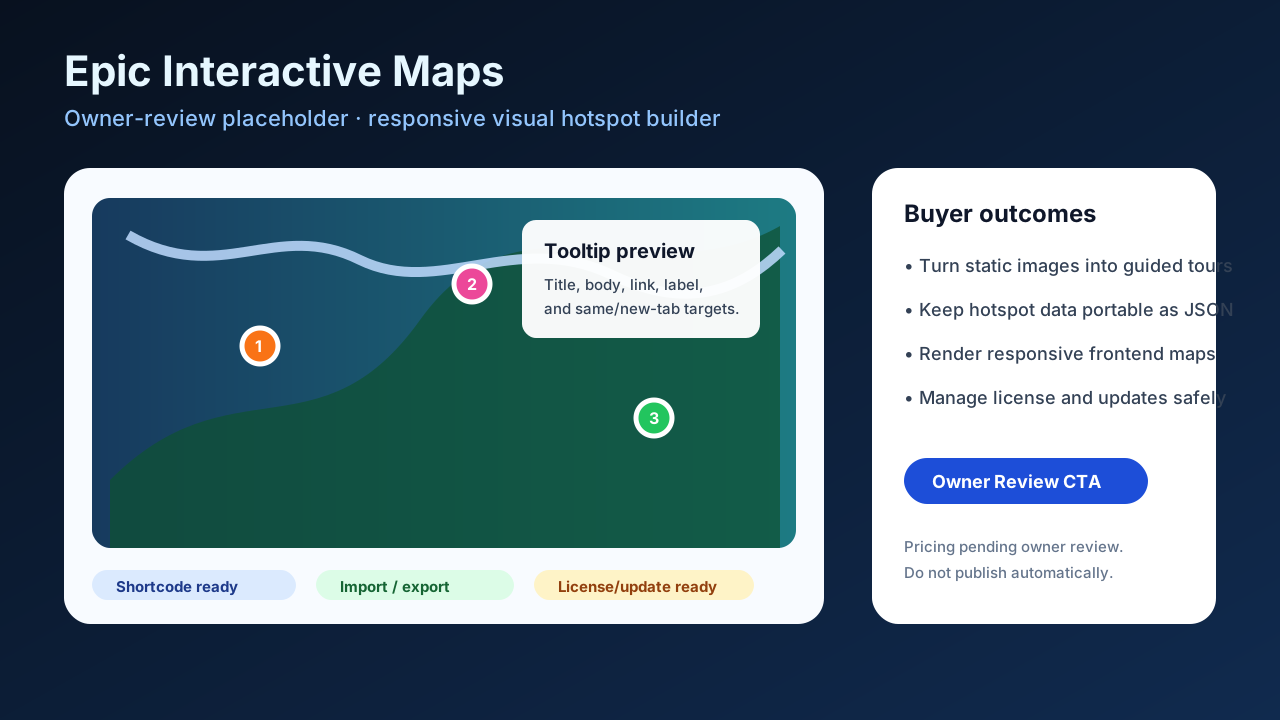
- Clickable points on any uploaded image help visitors explore specific areas of a visual.
- Tooltip labels and descriptions give context exactly where the visitor needs it.
- Destination links turn image areas into clear next steps for deeper content or offers.
- Responsive front-end display keeps maps usable across desktop and mobile layouts.
- Reusable map publishing workflow helps teams add the same visual guide in multiple places.
- Import and export support makes it easier to move or revise map definitions as content evolves.
- Customer portal, license, and update access will be available when launch pricing opens.
Use-case examples
How customers can put it to work.
A venue turns a floor plan into a clickable guide for rooms, entrances, and amenities.
A product page uses hotspots to explain key areas of a complex screenshot or diagram.
A tourism site lets visitors explore attractions on a visual map before choosing the next page.
Trust
- Built for practical visual storytelling inside WordPress pages.
- Designed to improve visitor understanding, not just add decorative image effects.
- Launch pricing is coming soon; waitlist interest helps prioritize release timing.
Pricing / Availability
Pricing Coming Soon
Help & Documentation
Next step